Message Template
Message Templates are the best way to create highly customized Discord messages. These templates can then be used as a standalone message inside Discord or as a response to commands and events.
Right now message templates support all the Discord embed features, components v2 layouts, file attachments, and interactive components.
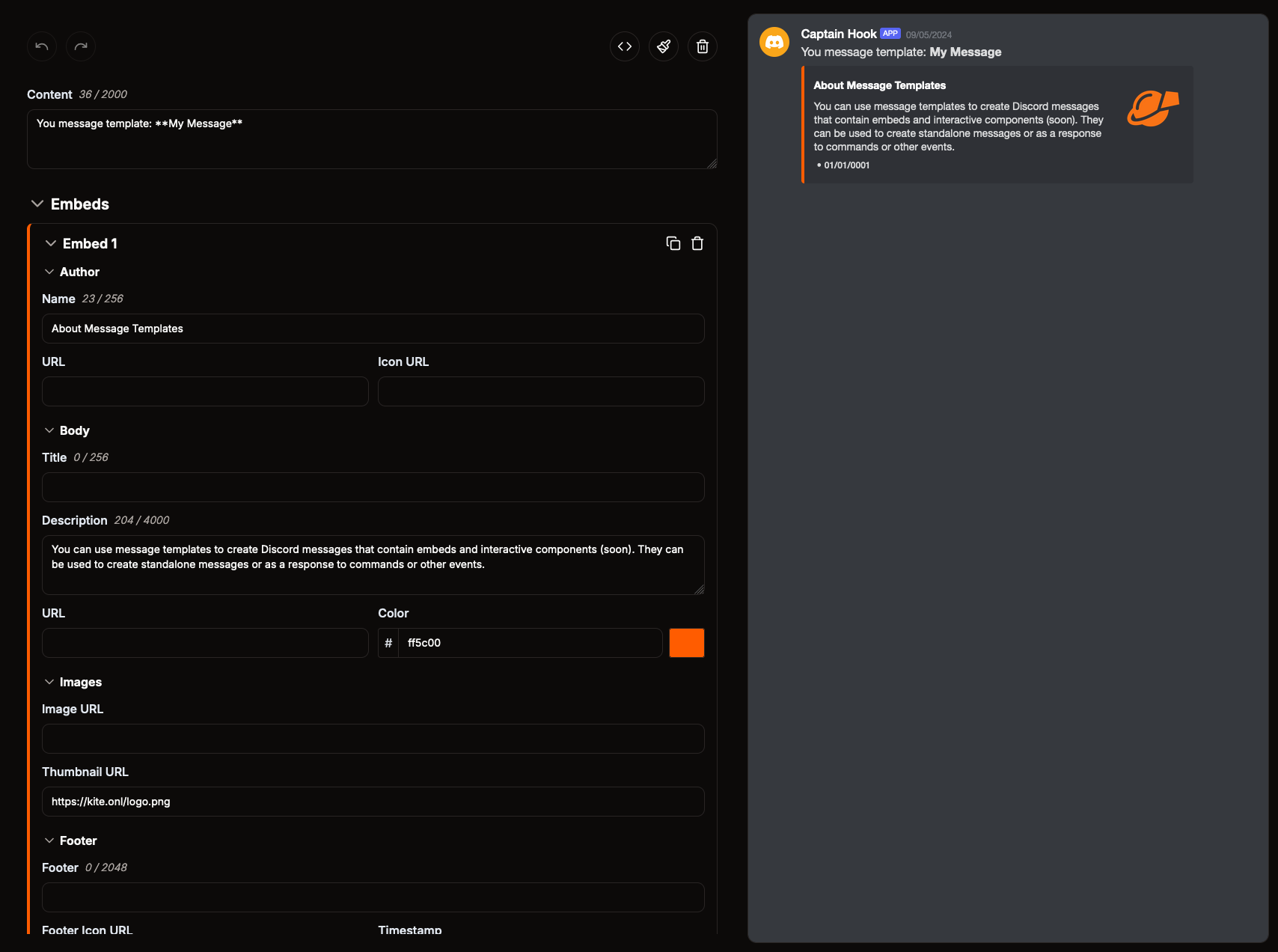
Embed Timestamp
Every embed can show a timestamp in its footer. Discord shows it in the local time zone of each user who looks at the message.
In the Timestamp input you can either pick a fixed date and time, or turn on Time of sending to always use the time the message is sent, for example when the message is a response to a command.
Interactive Components
You can add interactive components like buttons and select menus to your message which your users can interact with.
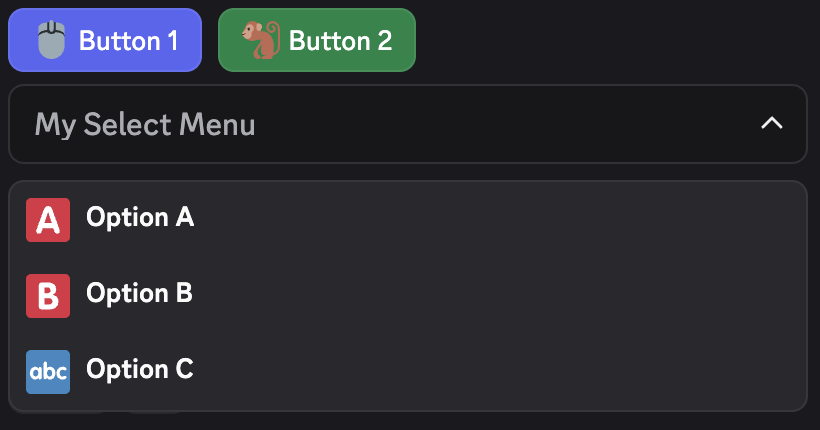
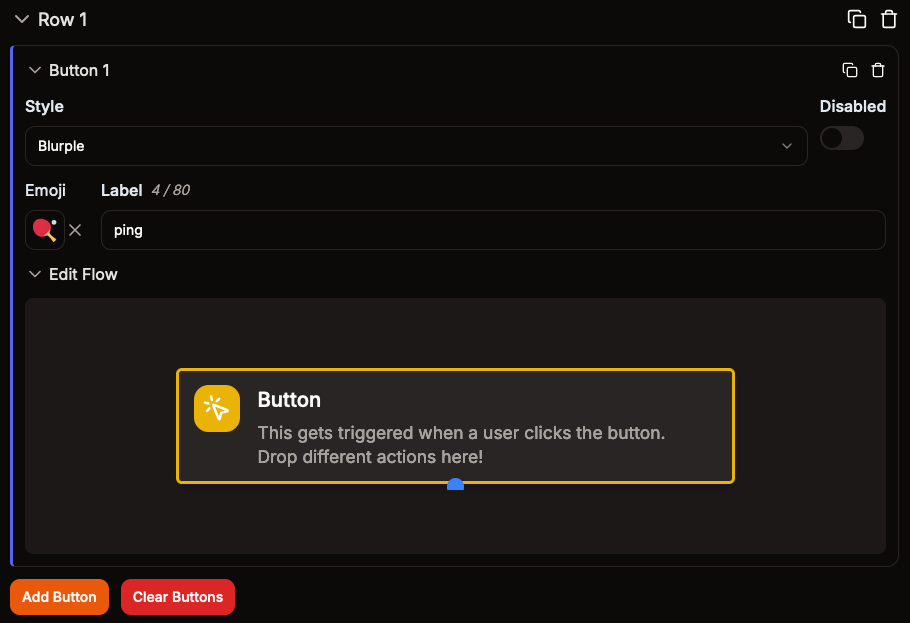
Buttons
Each button has its own flow which gets triggered when a user clicks the button. Link buttons open a URL instead and don't have a flow.
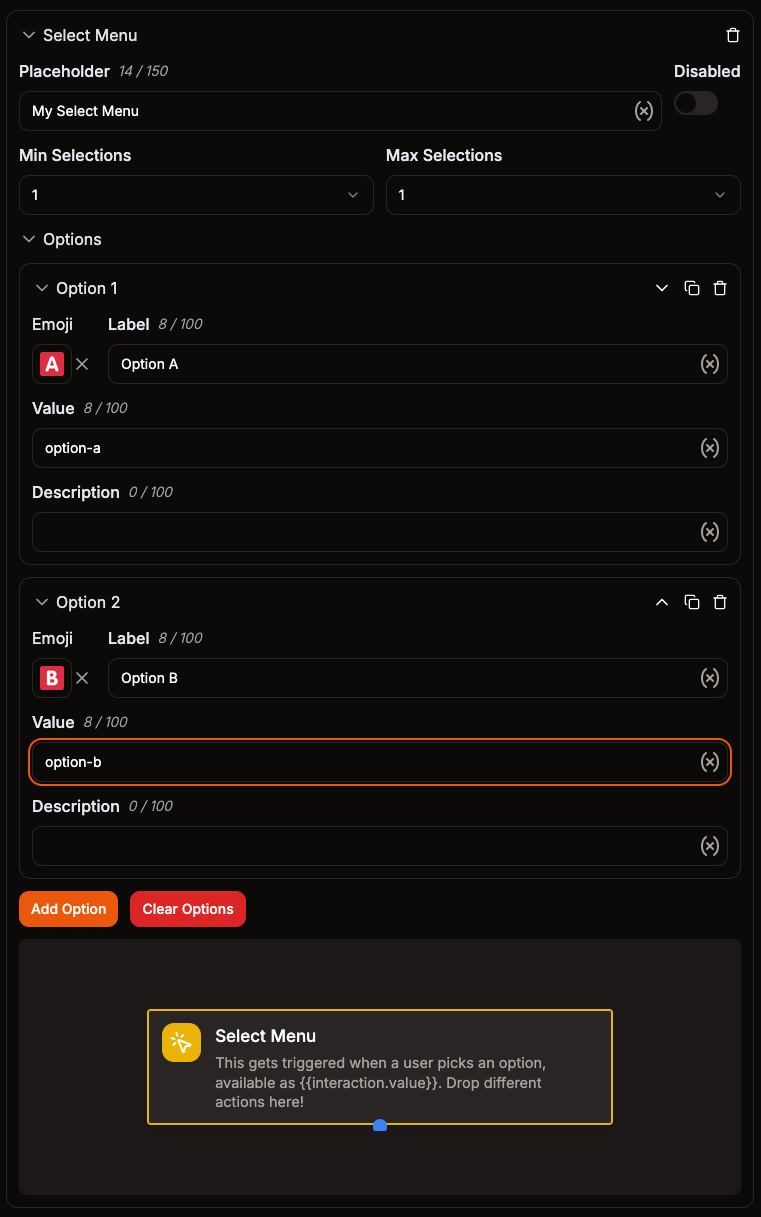
Select Menus
A select menu lets users pick one or more options from a list. Each select menu has one flow which gets triggered when a user picks an option.
Every option needs a unique value. The value is what your flow receives as {{interaction.value}}, so you can use a Comparison Condition block to run different actions depending on the option that was picked. If the select menu allows picking more than one option, all picked values are available as {{interaction.values}}.
User, Role, Mentionable and Channel Selects
Instead of listing your own options, a select menu can let users pick from the server's users, roles or channels. Pick the type when you add the select menu, or change it with the Type input in the select menu's settings:
| Type | Users can pick |
|---|---|
| Select Menu | One of the options you added |
| User Select | Members of the server |
| Role Select | Roles of the server |
| Mentionable Select | Members and roles of the server |
| Channel Select | Channels of the server, optionally only some channel types |
Discord fills these select menus in by itself, so they have no options. Your flow receives the IDs of what was picked as {{interaction.values}}, and the first one as {{interaction.value}}. To mention the pick in a message, wrap the ID:
- User:
<@{{interaction.value}}> - Role:
<@&{{interaction.value}}> - Channel:
<#{{interaction.value}}>
The ID also works as the target of blocks, for example to add the picked role to the user with the Add member role block.
A channel select can be limited to some channel types, for example only text channels. Leave Channel Types empty to allow all of them.
Components V2
Instead of content and embeds you can also build your message out of components v2. Use the switch at the top of the message editor to change between Embeds and Components V2. The two formats can't be combined, so switching clears the message.
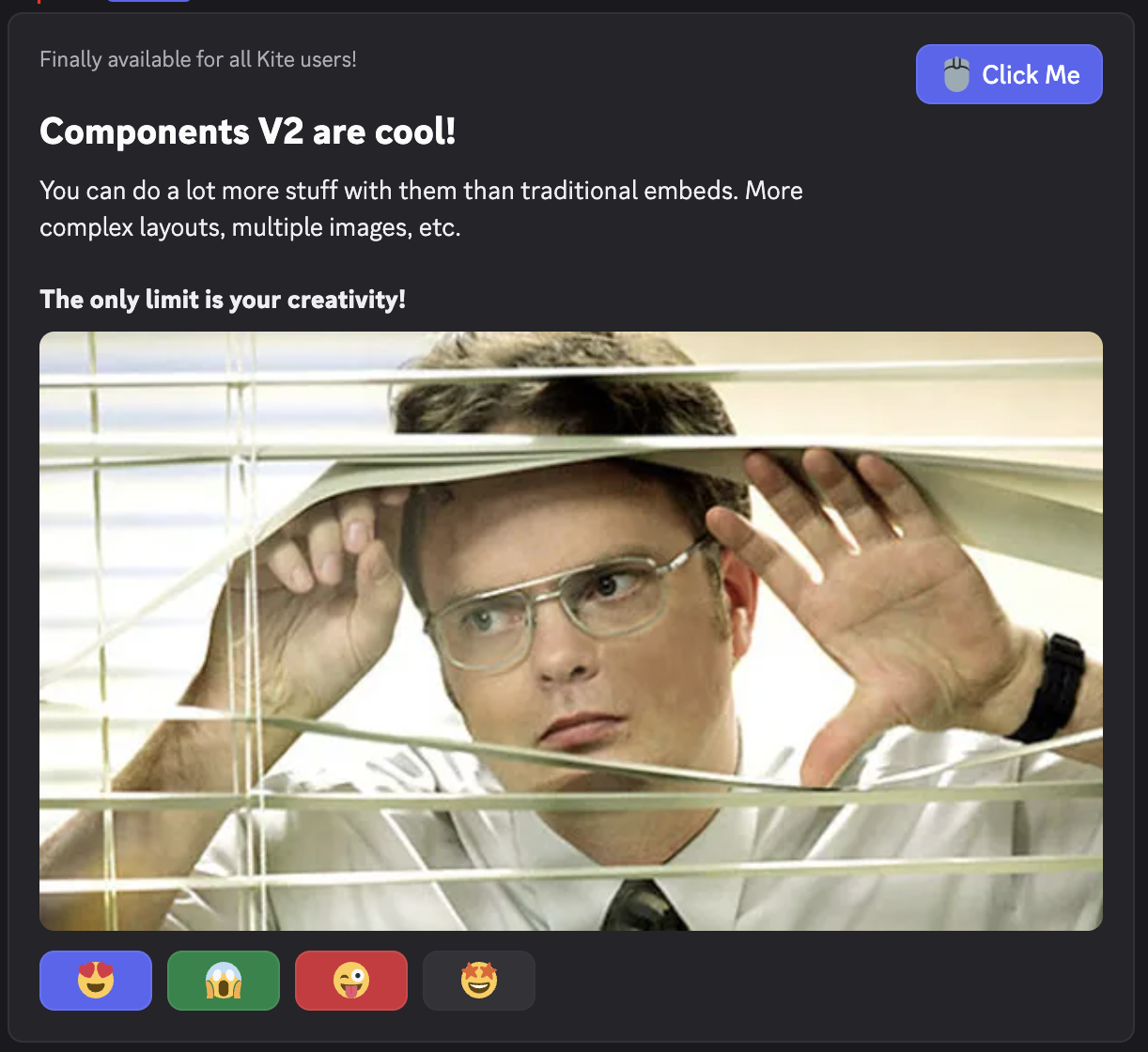
Components v2 give you more control over the layout of your message. The following components are available:
- Text Display: Text with markdown formatting, just like the message content
- Section: Up to 3 text displays with a thumbnail or button next to them
- Media Gallery: Up to 10 images in a grid
- File: One of the files attached to the message
- Separator: Space between components, with or without a divider line
- Container: Groups other components in a box with an optional accent color, similar to an embed
- Button Row and Select Menu (including user, role, mentionable and channel selects): The same interactive components as above
A message can contain up to 40 components in total, including components that are nested inside of other components.